

Pad printing machines
Pad printing machines from 1 to 6 colours: benchtop, shuttle or conveyor models for continuous production.
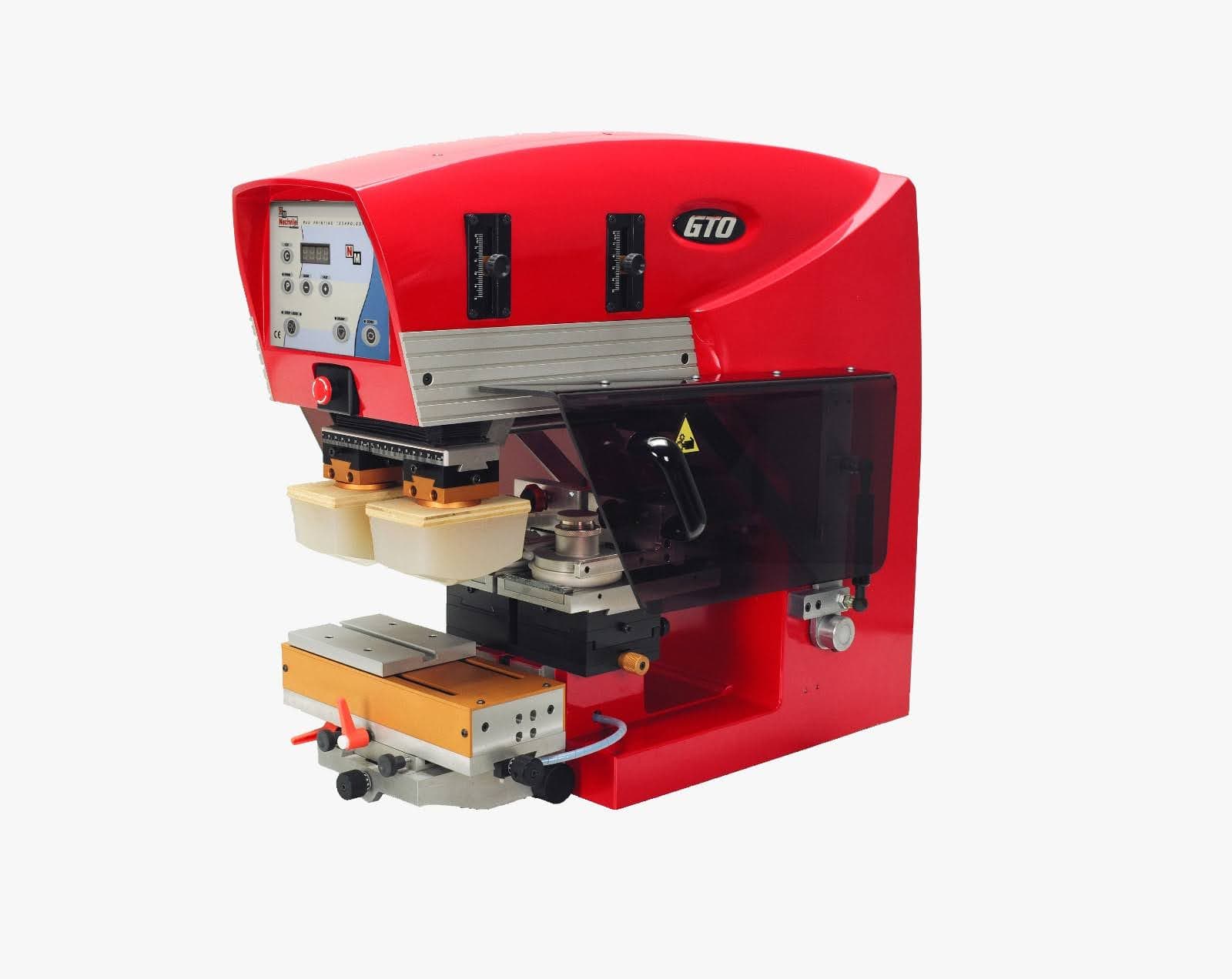
PIC – 1- or 2-colour pad printing machine
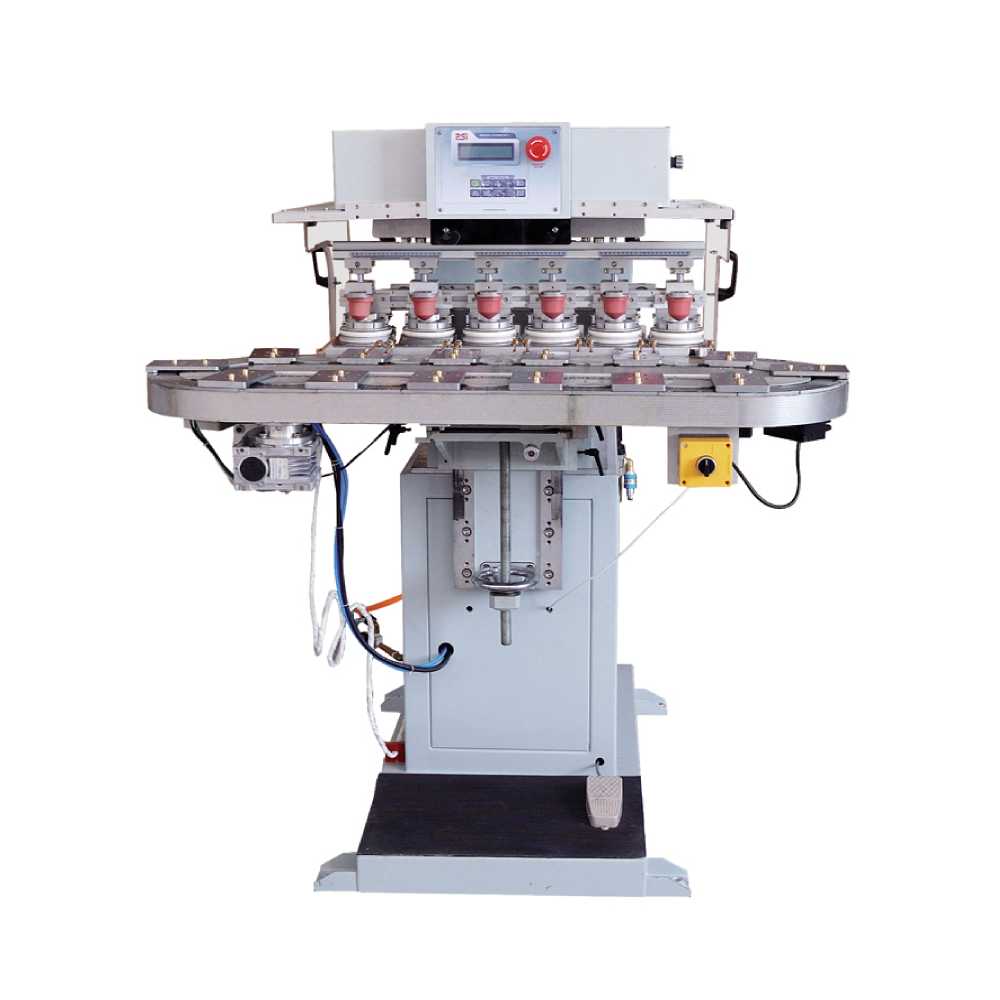
175-90C6 – 6-colour pad printing machine with conveyor
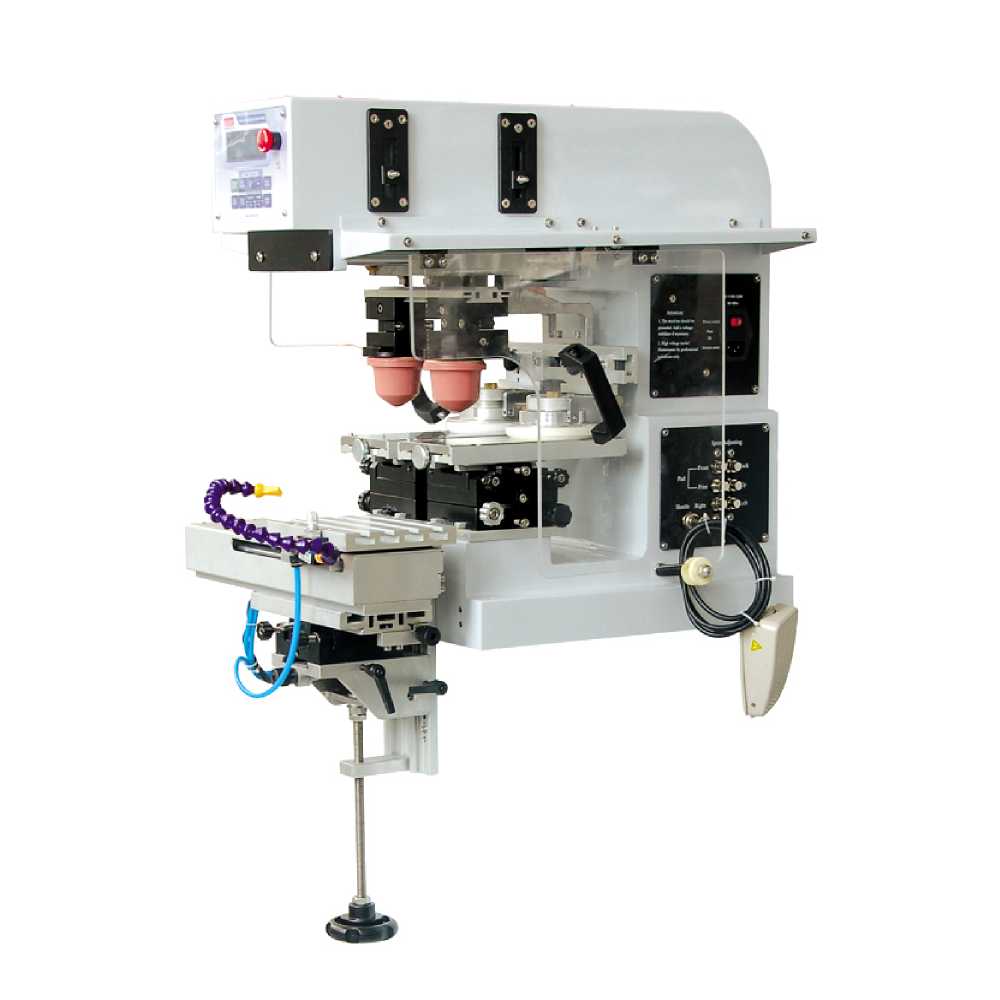
125-90S2D – Benchtop 2-colour pad printing machine
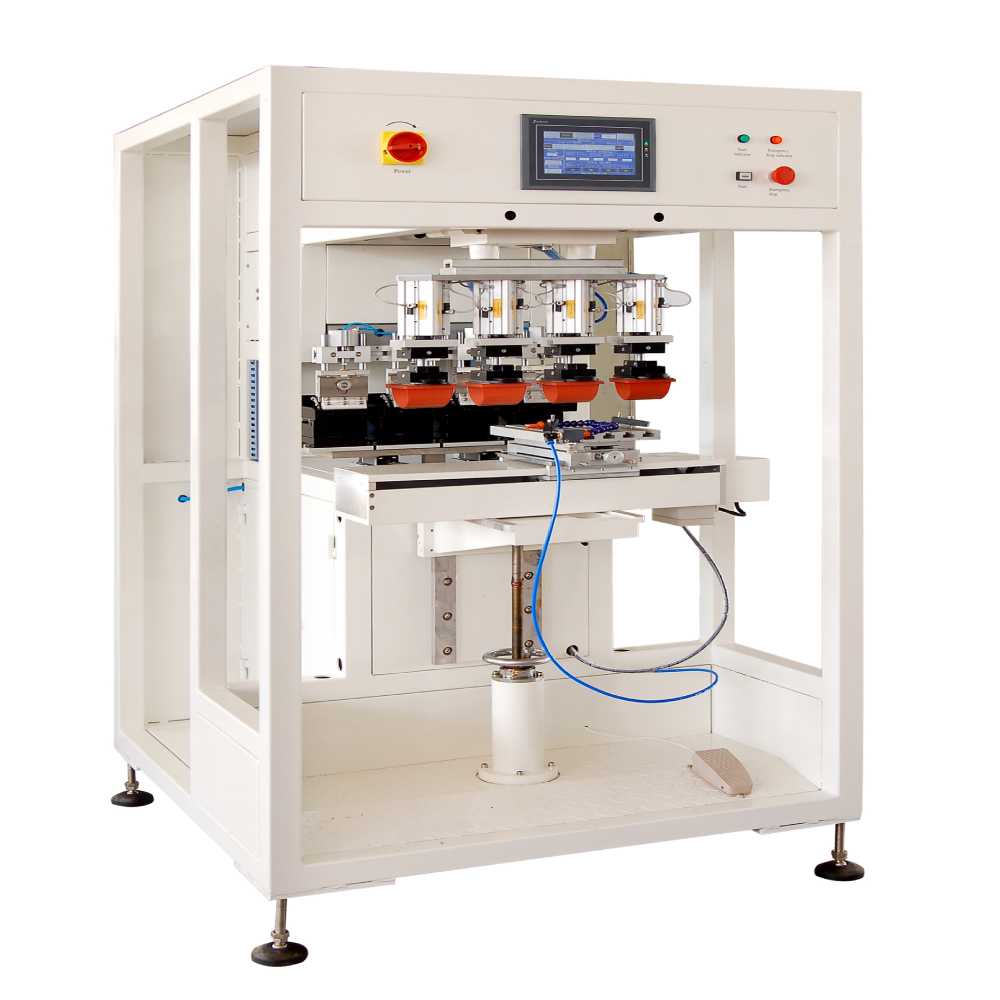
275-4SIP4 – Premium Series 4-colour pad printing machine
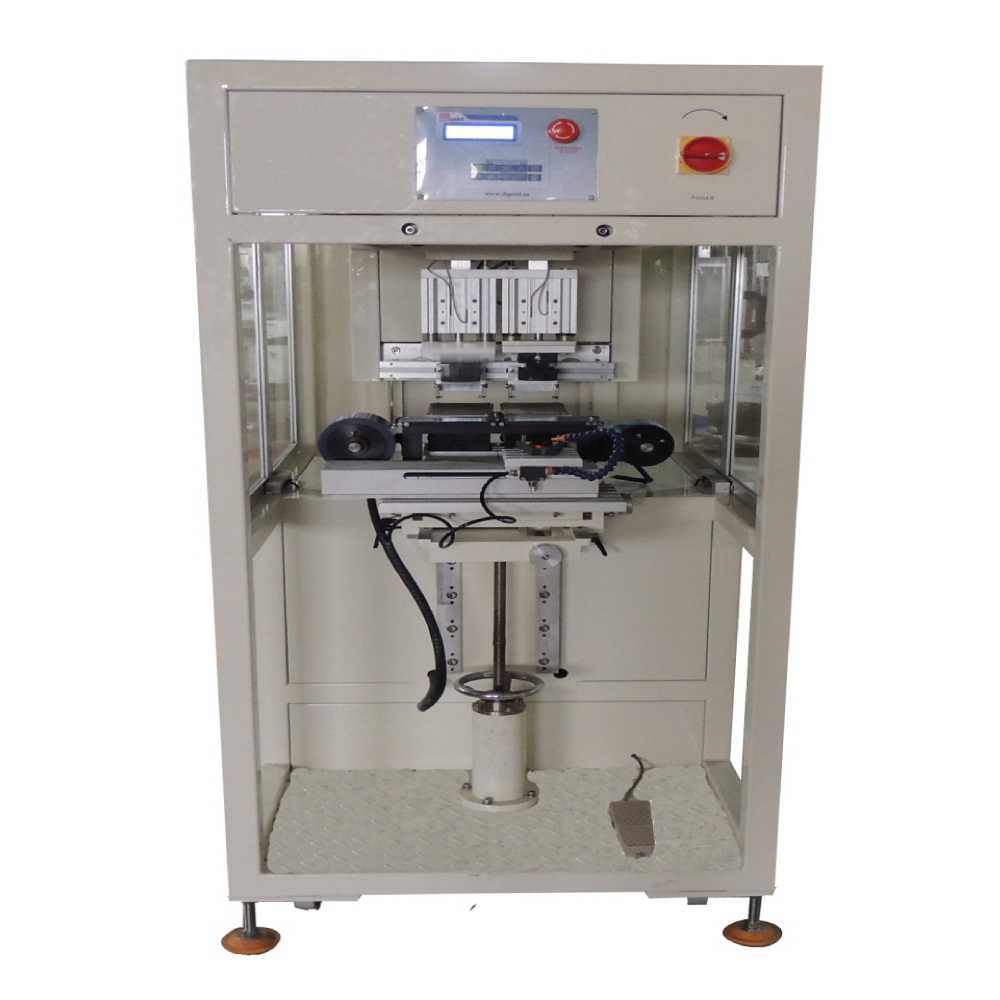
P90SIP2 – Premium Series 2-colour pad printing machine
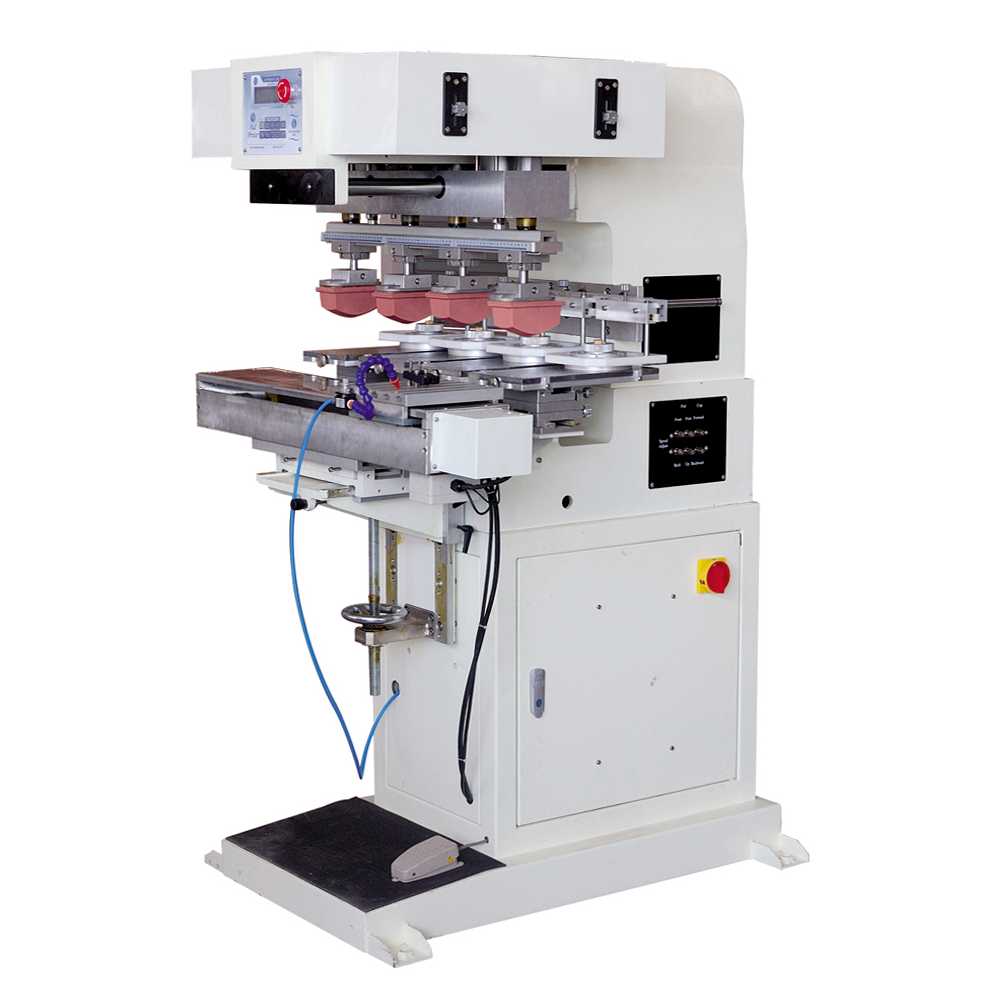
225-120S4 – 4-colour pad printing machine, 120 mm diameter
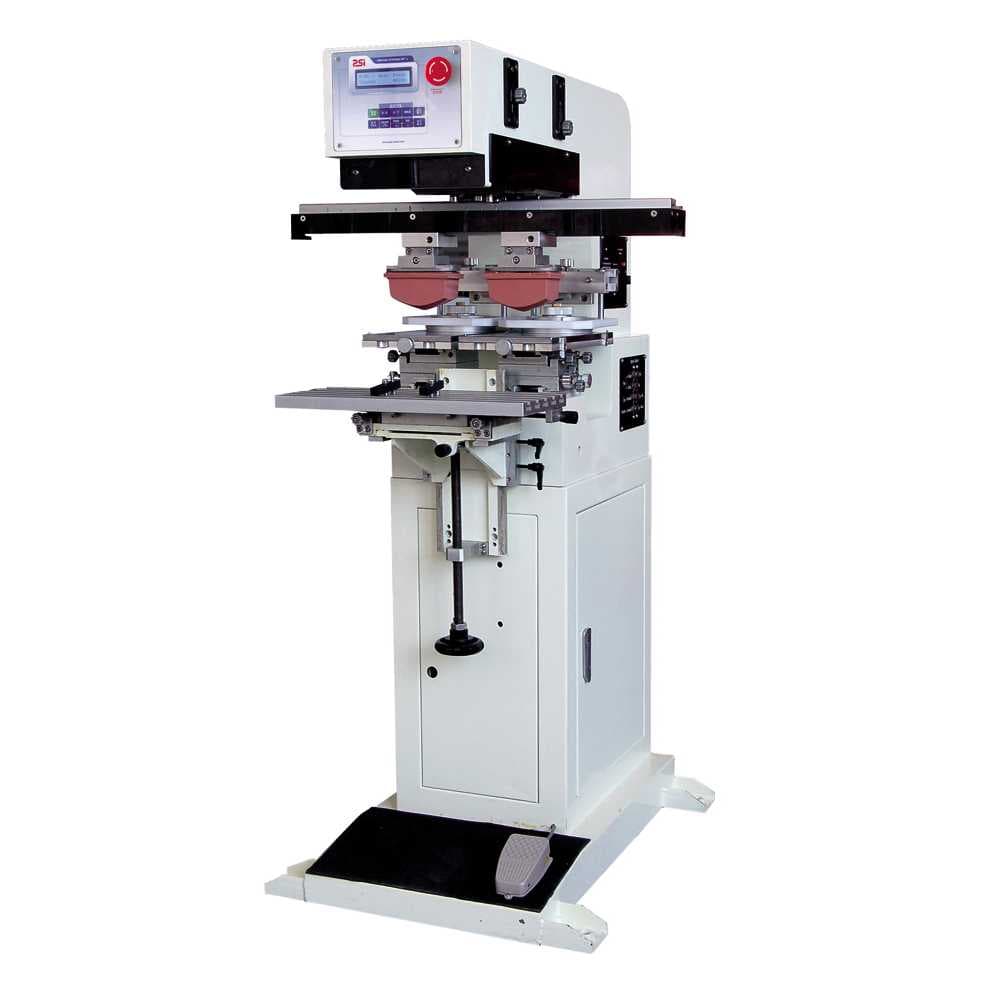
225-90PS2 – Long-stroke 2-colour pad printing machine
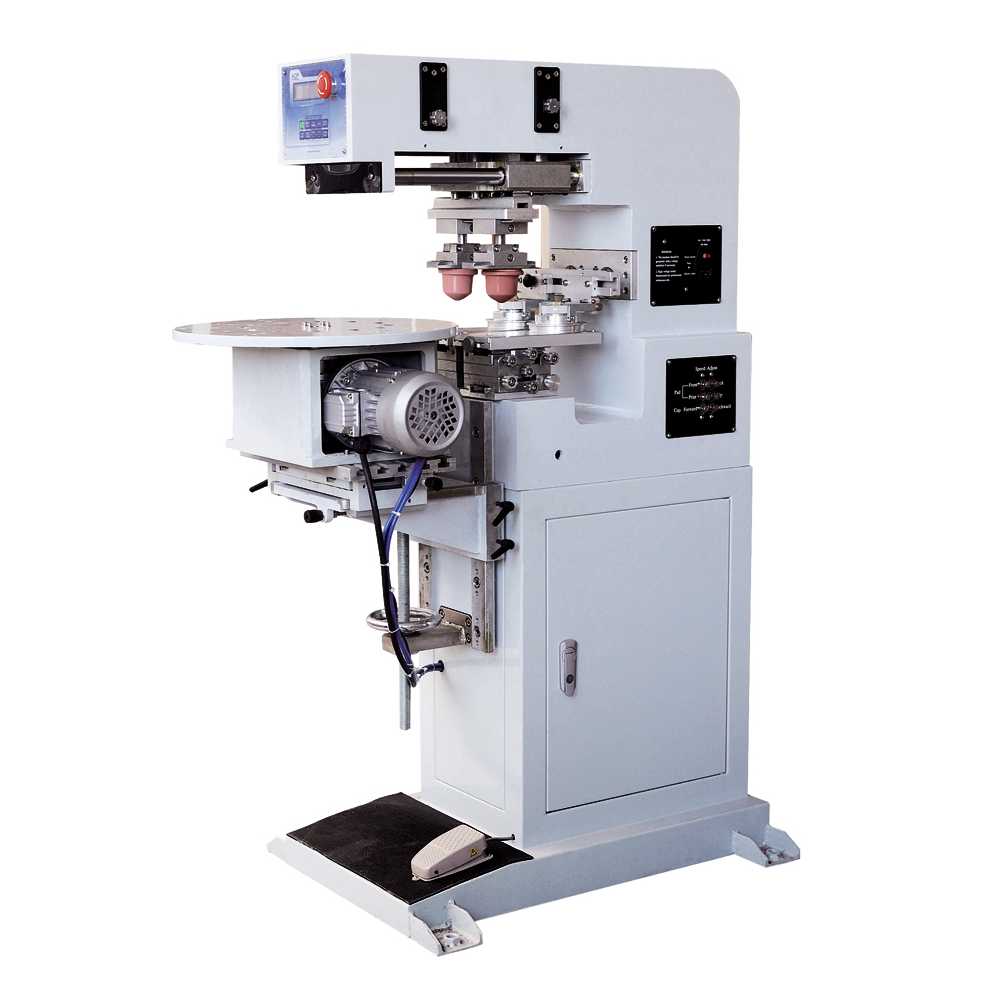
175-90X2 – 2-colour pad printing machine with turntable
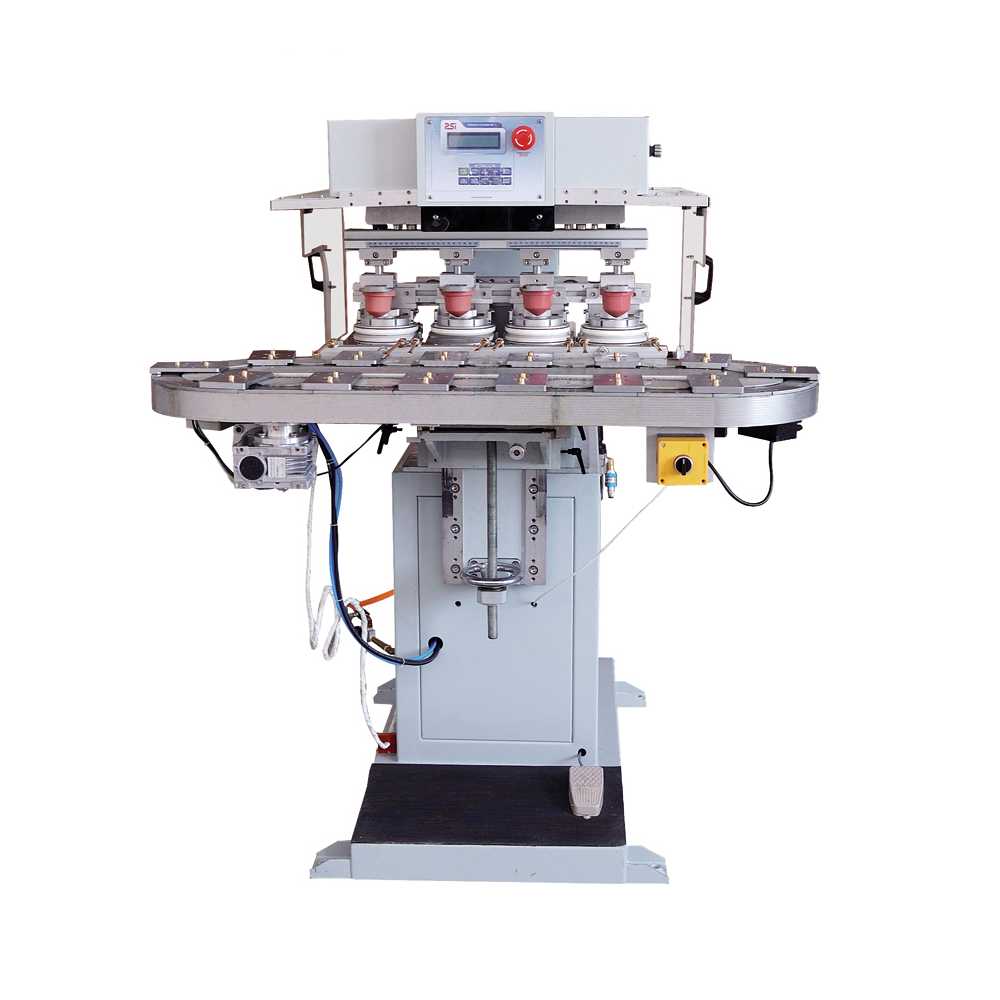
125-90C4 – 4-colour pad printing machine with conveyor
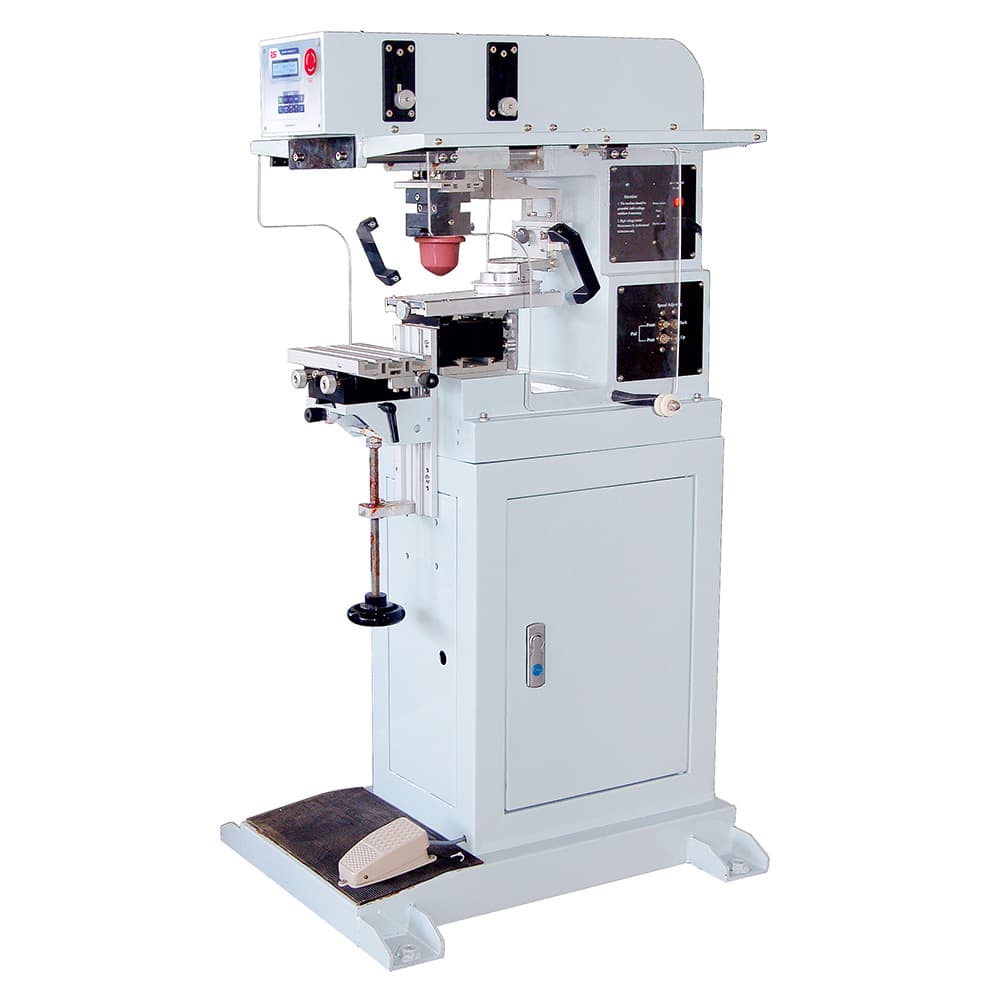
200-140 – 1-colour pad printing machine
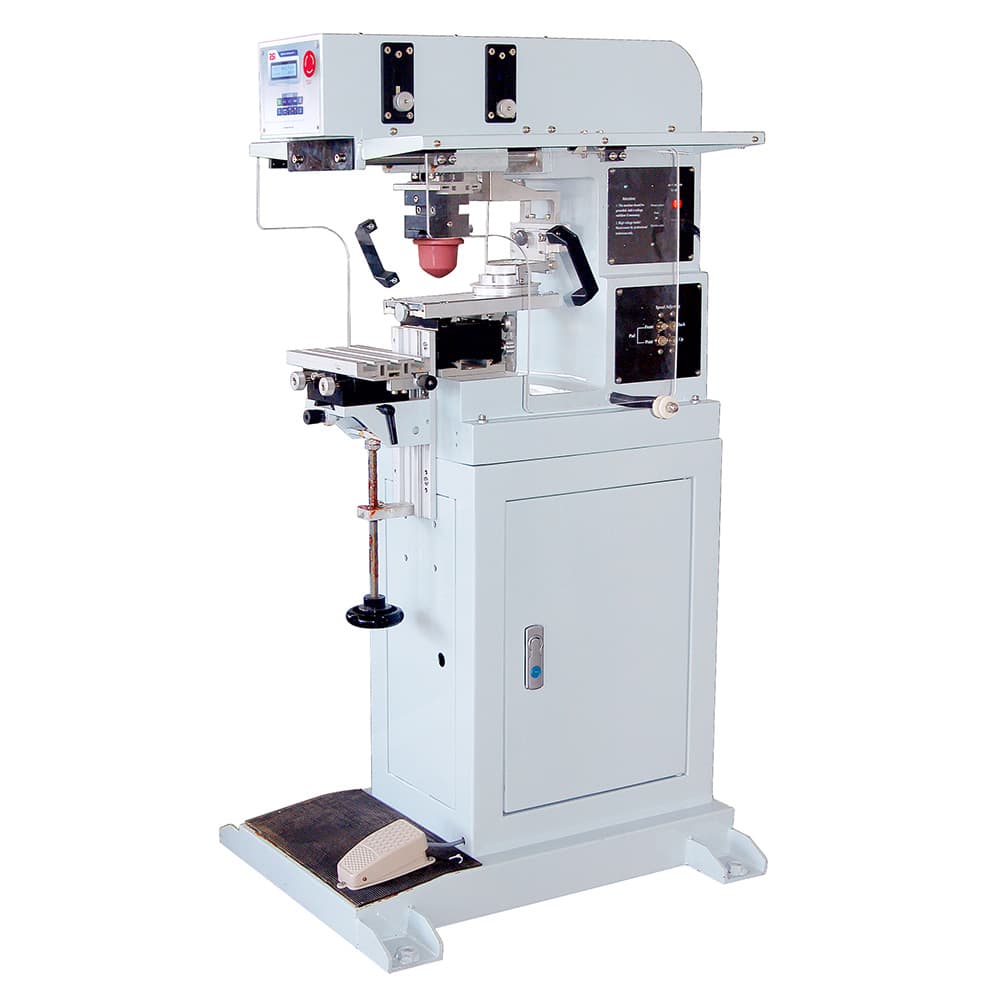
125-120 – Pad printing machine, 120 mm diameter
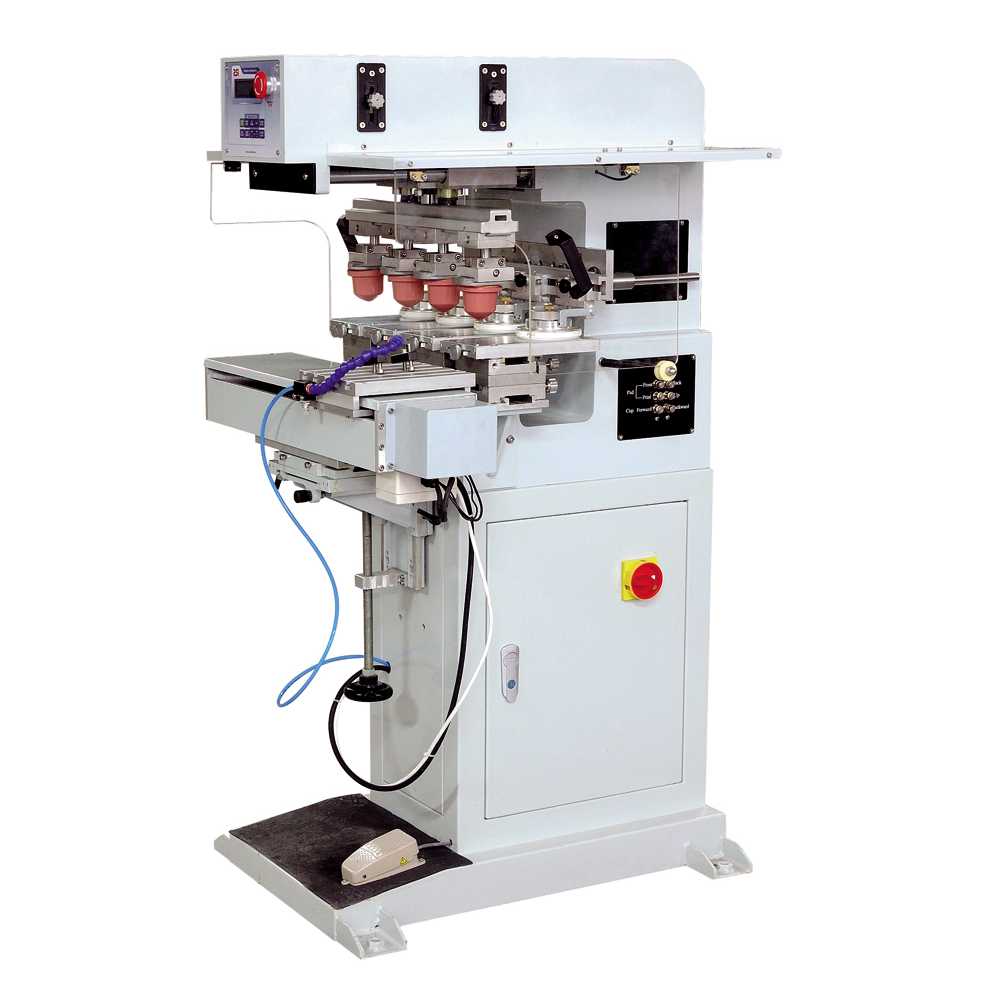
175-90S4 – Four-colour pad printing machine with shuttle
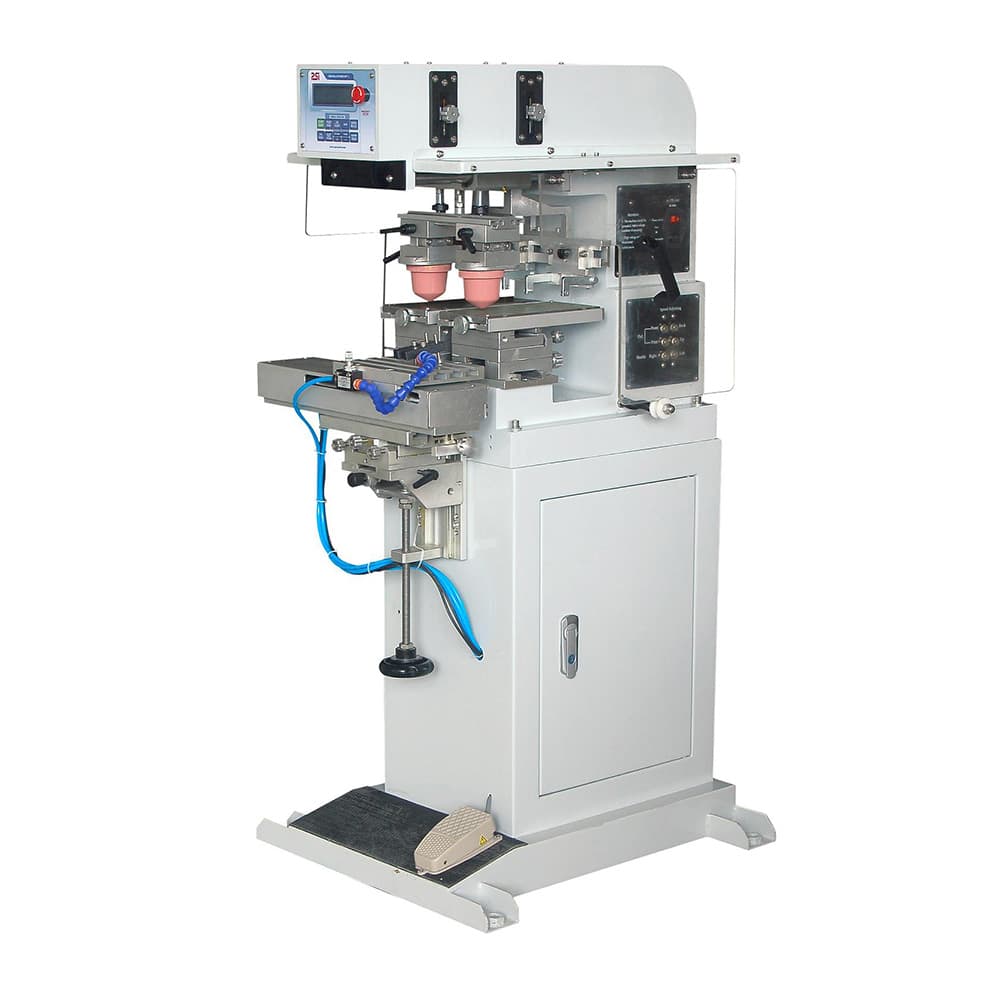
175-90S2 – Two-colour pad printing machine with shuttle
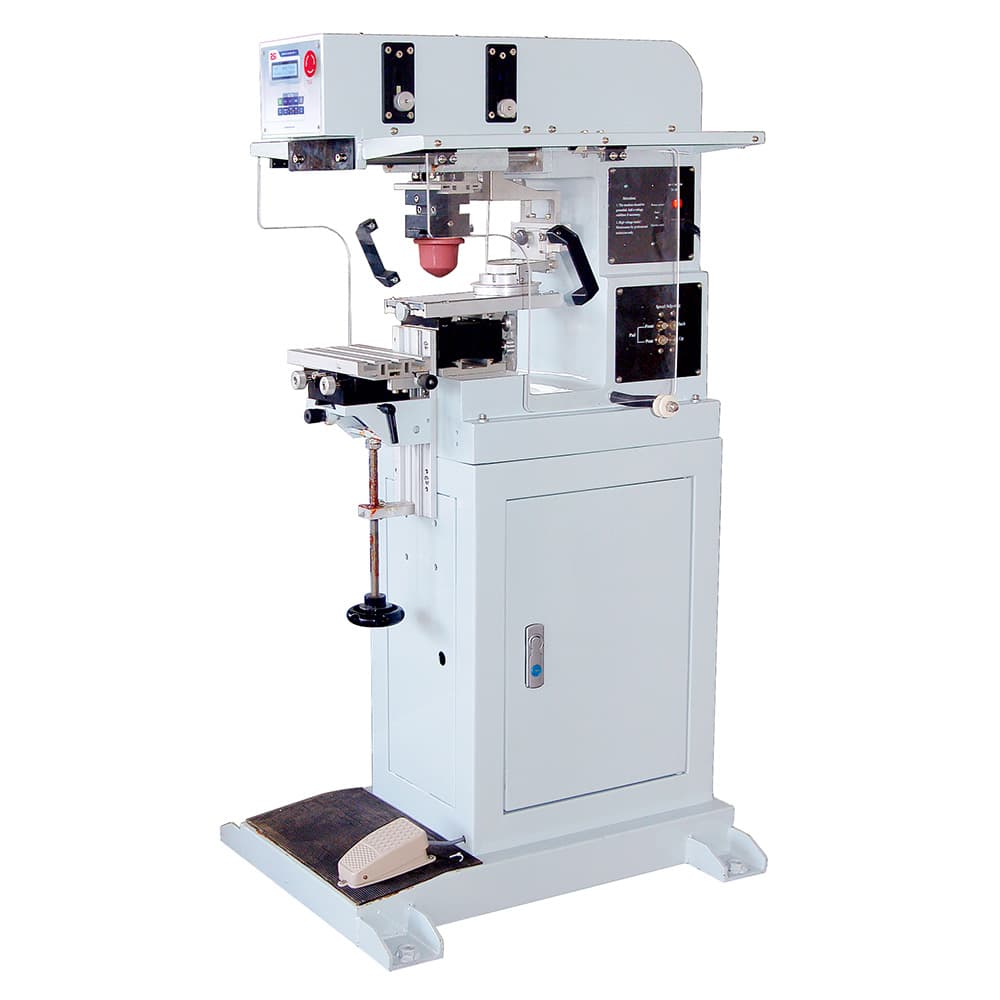
175-90 – 1-colour pad printing machine
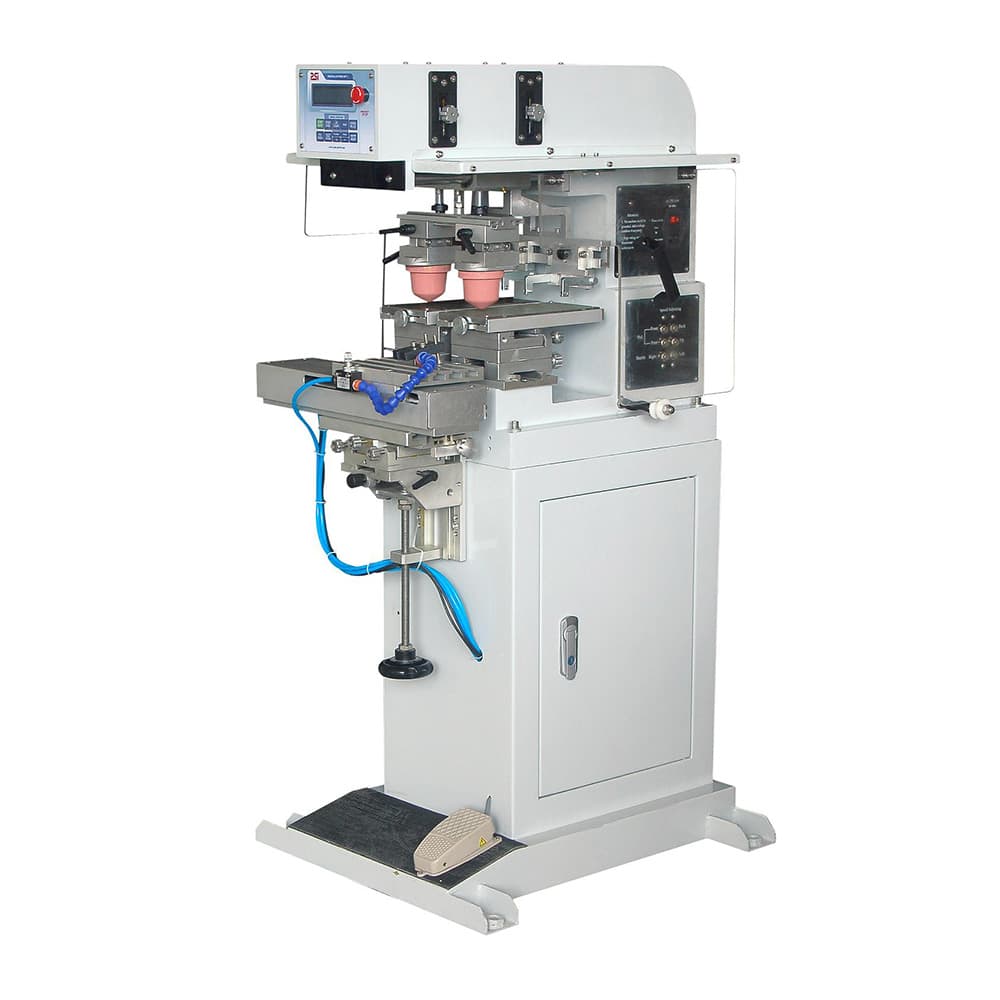
125-90S2 – Two-colour pad printing machine with shuttle
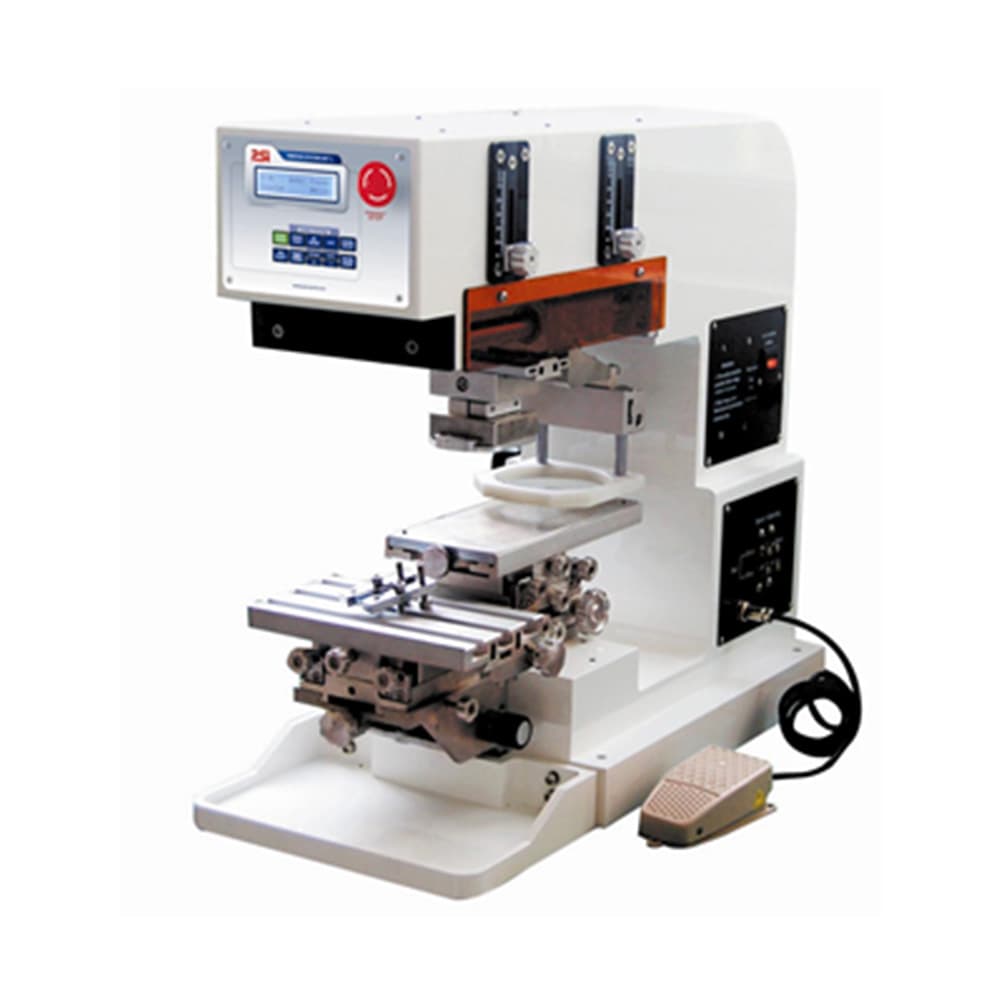
125-90D – 1-colour pad printing machine
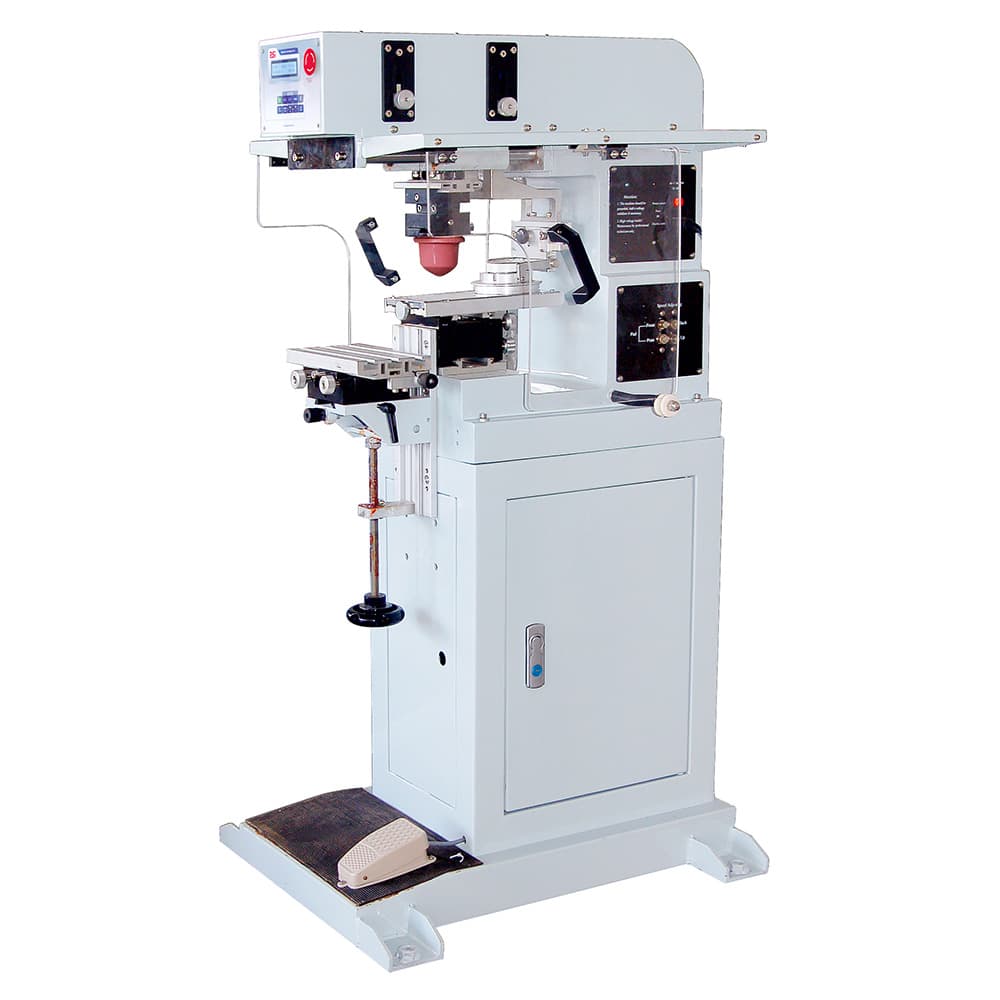
125-90 – 1-colour pad printing machine
Technical guide
What is pad printing and what is it used for?
Pad printing is the indirect printing process that handles what screen printing cannot reach: small, three-dimensional or irregularly shaped parts. It is the technique used to mark keyboards, automotive components, caps, cosmetics packaging, electrical products, medical instruments and promotional items.
How does a pad printing machine work?
The cycle has four stages. The ink is laid on a cliché etched with the design; a doctor blade sweeps the surface and removes all the ink except what has gone into the etched recess; a silicone pad comes down on the cliché and picks up that film; the pad travels to the part and deposits it, deforming over it. Between pick-up and deposit, some of the solvent on the surface of the pad evaporates and the ink becomes tacky, which is what makes it release cleanly onto the part instead of staying on the silicone.
Which materials can be pad printed?
Engineering plastics (ABS, polycarbonate, PMMA, polyamide, POM, polystyrene, rigid PVC), metals, glass, ceramics, rubber and silicone. The ink is chosen by substrate and by the resistance required. Polyolefins (polypropylene and polyethylene) have low surface energy and need pretreatment by flame, corona or plasma for the ink to anchor; without it, the print comes away even if the ink is the right one.
Open inkwell and sealed ink cup
The open inkwell is a tray over which the doctor blade sweeps the cliché. It is simple and cheap to maintain, but the ink is exposed to the air, so it loses solvent and the viscosity has to be corrected during the shift. The sealed ink cup is an airtight cup that slides over the cliché and acts as the doctor blade: it keeps the ink isolated, stabilises viscosity and reduces solvent in the air, which makes it the preferred option in continuous production and on long runs where the colour has to stay consistent.
Shuttle or conveyor: how to decide
On a shuttle machine, the part stays fixed in its fixture and the pad moves between stations to lay down each colour. This is the usual configuration on benchtop equipment, with short and medium runs and frequent job changes. On a conveyor machine, a belt carries the parts through the printing stations, which allows drying between colours in line and continuous production without handling the part. The shuttle wins on flexibility; the conveyor, on throughput.
What determines print quality
Three things above all else. The hardness and shape of the pad: the more irregular the part, the softer it must be to adapt, and the finer the detail, the harder, because a soft pad distorts the design as it squashes. The etch depth of the cliché, which sets how much ink is transferred. And the condition of the doctor blade, which leaves a film outside the etching when it loses its edge and produces haze. When a print starts to fail, those three points come before touching the machine.
Frequently asked questions
About pad printing
What is pad printing and how does it work?
Pad printing is an indirect printing process. The ink is laid on a cliché etched with the design, a doctor blade removes the excess and leaves only the ink that has gone into the etching; a silicone pad comes down, picks up that film of ink and transfers it to the part, deforming over it. That intermediate step through the pad is what makes it possible to print on shapes no direct process could reach.
Which materials and shapes can a pad printer print on?
Engineering plastics, metal, glass, ceramics, rubber and silicone, among others, provided the ink is right for the substrate and, on some plastics such as polypropylene or polyethylene, a surface pretreatment is applied first. As for shape, pad printing works on flat, concave, convex, spherical or irregular parts: that is its territory compared with screen printing.
How many colours can a pad printing machine print?
The pad printing machines in the IBPRINT catalogue range from 1 to 6 colours. Each colour needs its own cliché and its own ink cup, so the number of colours sets the size of the machine, the price and the set-up time for each job.
What is the difference between a shuttle pad printer and a conveyor pad printer?
On a shuttle machine, the part stays still and the pad moves between ink cups to lay down the different colours; this is the usual configuration on benchtop equipment and for short or medium runs. On a conveyor machine, a belt carries the parts through the various printing stations, which allows continuous production and in-line drying without handling the part between colours.
Do I need previous experience to run a pad printer?
Not for day-to-day operation: benchtop machines have a control panel and registration adjustments designed to make job changeovers quick. What does call for judgement is the initial set-up and the choice of ink, cliché and pad hardness for each part, and that is where technical advice comes in.
What consumables does a pad printing machine use?
Mainly ink and solvent, silicone pads, clichés and the ink cup doctor blades. The pad and the blade are wear parts: they lose definition with use, and when the print starts to fail they are usually the first place to look before touching the machine.